The same old lessons
The uncomfortable parallel between mentoring humans and training AI

Over the years I’ve been lucky to work with many new graduates just starting their careers as software engineers. I’ve always enjoyed their energy, their enthusiasm to learn, their desire to make a difference.

And, in turn, I’ve felt a responsibility to help set them down the right path. Over that time I’ve found three pieces of simple advice that help them.
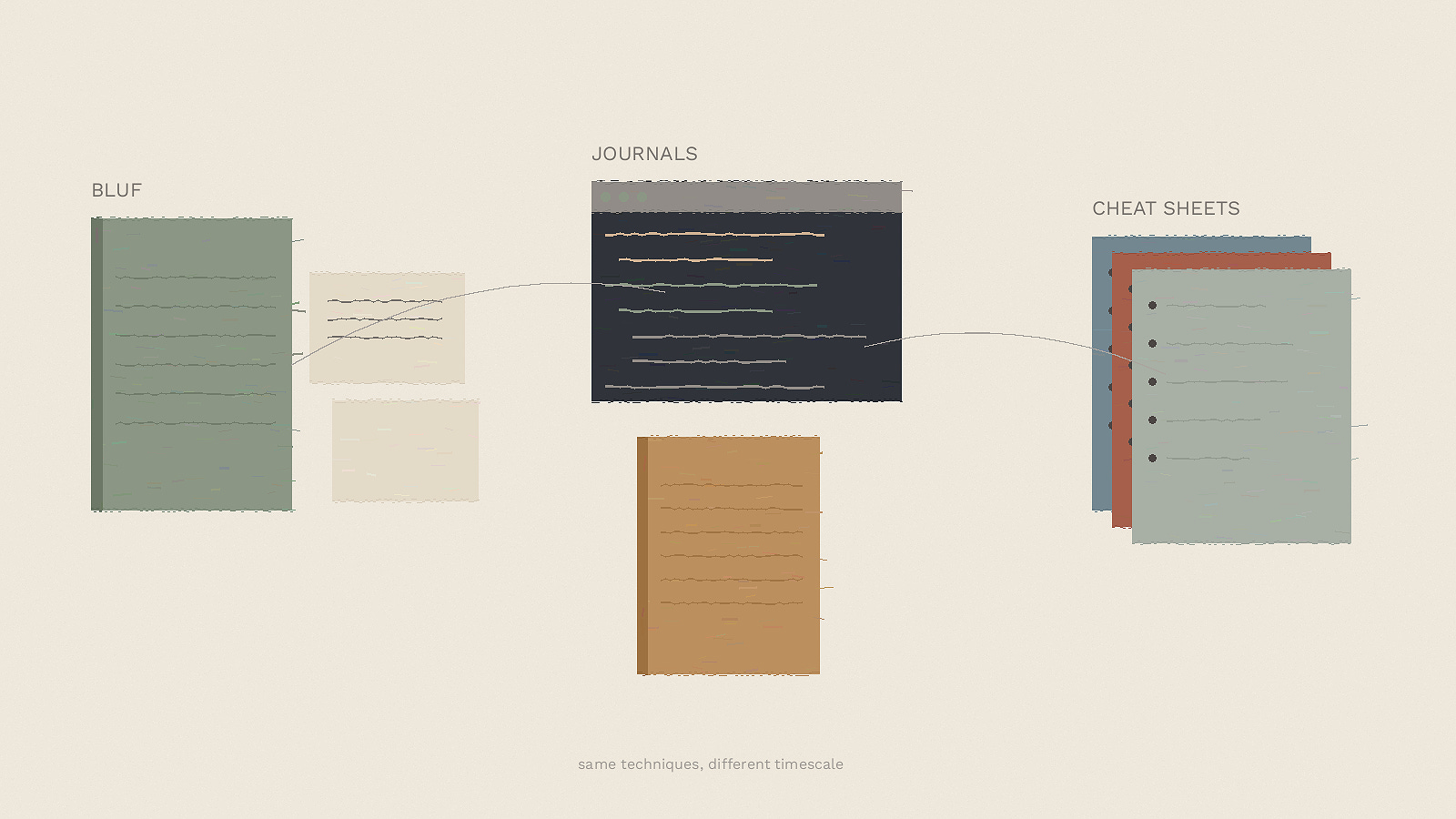
First, communication. Be clear what you’re trying to communicate. Use BLUF (Bottom Line Up Front). And write things down - writing forces you to structure your thinking in a way that verbal comms doesn’t require.
Second. Keep a log book. Periodically write down what you are doing. It forces you to reflect on what you are doing; it might stop you going down a unfruitful path. And it’s often a useful record - just exactly how did you debug that problem last month?
Finally - make cheat sheets. I’ve got them for code-reviews, design, code management, Rust, debugging, agile - I’ve got a lot. They are summaries of the key things I’ve gained from books, presentations, talks, videos - and experience.
What does this have to do with AI?
It turns out all three are not just useful for humans. They help just as much when working with AI tools as well.
Over the years there’s been a lot of talk about prompt engineering. There have been magic phrases such as adding "my life depends on it" to get better results. But, really, clarity is what matters most. If you’re not clear - or don’t know - what you want, then the AI is going to struggle to implement it.
Just as with humans, BLUF matters for prompting. Establishing early on what you want to achieve, provides the framework for the AI to parse the remainder of the information you provide in the prompt. Starting with "The goal is to write a comprehensive HLD" or "X" enables the AI (and humans) to effectively parse the detailed information that follows.
My typical workflow is to discuss the area I’m working in by talking to GPT4o while I’m out for walk. I find this to be a really effective way of learning things - I can check assumptions, learn about unfamiliar tech stacks, ask all the dumb questions I’d hesitate to ask another human. Sometimes, for more complex things, I’ll preload the conversation by getting ChatGPT Deep Research to write up a report the night before - then I can discuss that report with GPT4o the next morning. That way I get the benefit of Deep Research’s intelligence combined with the interactivity of GPT4o.
Once I’m up to speed I work with Claude on the initial prompt. Getting this right matters because we’ll frequently come back to reference it. This prompt can be long; most times I save it to disk and then reference it when I kick off Codex or Claude Code (if it’s saved then it’s easy to come back later and re-reference it). But the key is to ensure there’s a good BLUF summary at the top. That helps me. And, I think, it helps Codex.
Journals
If you’ve used Claude Code you’ll know it loves to drop markdown files pretty much everywhere. Naming also leaves a little to be desired - "absolutely-final-design" anyone? Codex is similar. But a quick tweak to CLAUDE.MD (or AGENTS.MD) can get Claude to save all these files to a single location - and prefix any name with a date stamp. So all my docs now go into "wrk_docs" and have sensible names.
And it can get better. Tell Claude to maintain a journal on disk. These files are also prefixed with a date stamp and get stored in "wrk_journals".
Once you’ve got a journal it becomes easy to restart Claude if something goes wrong. Sure you can use --resume if you’re using the command-line, but journals mean Claude can recover status itself. If you’re Claude Code on the web then you’re going to need to do that fairly frequently - at least currently as it has a bad habit of getting stuck and there’s no way to recover the state. And if you like knowing what your agents have been up to, journals make it easy to find out. I’m a fan.
Cheat sheets
It seems slightly counterintuitive to need cheat sheets for models. Don’t the models know everything already? Aren’t you just telling them things they already know?
Kinda. But, a bit like us, the memory of information seen in training can be, well, fuzzy. Pulling it back into context helps focus Claude or Codex on the problem in hand. Plus cheat sheets can bring in specific domain knowledge.
Last week I created a threat model for a new product I’m helping build. I sent Codex off to find out all it could about threat models from our internal Confluence site. And then combine that with best practice information from the internet. The end result? A 50,000 word reference on threat modelling to help guide Codex (and Claude Code) when creating a threat model.
You might be thinking 50,000+ words is a long prompt. But it’s nothing for models - Amanda Askell (responsible for Claude’s personality) seems to regularly use 100+ page prompts.
I’ve got a growing collection of cheat sheets for all manner of things. Plus I extended my Windows command palette tool to make it easy for me to add them to a session when I need them.
And so?
I’d still give new graduates the same advice today: clear communication, journal. And make cheat sheets.
But now I’m giving that advice to Codex and Claude too.
I used to mentor people who’d take my job one day. Now I’m mentoring tools that might do it sooner. The techniques haven’t changed. Just the timescale.
Postscript
It might come as a surprise, but I don’t paint the images in these articles. I write the text, but get AI to generate the image. Normally Claude produces an image generation prompt and ChatGPT makes the image. But this week Claude decided to use its new "canvas-design skill" to create the image itself…
First it wrote a very long description. Then it spent more than 5 minutes writing code to generate the image. Then I got it to turn the description and image into an artifact. I think I’ll stick with ChatGPT (or nano banana) in future…
Not at all sure that this similarity is “uncomfortable” :-).